> For the complete documentation index, see [llms.txt](https://docs.hubyte.de/llms.txt). Markdown versions of documentation pages are available by appending `.md` to page URLs; this page is available as [Markdown](https://docs.hubyte.de/faq-fuer-seo/english-documentation/erlebniswelten.md).
# Shopping experiences (category & product)
With the shopping experience element you show an FAQ group on any page, e.g. **category pages**, **product pages** (product FAQ) or **landing pages**.
## Add the element
1. Open **Content > Shopping Experiences** and the desired layout.
2. In the block selection choose the category **FAQ** and drag the block **FAQ Group** to the desired position.
3. Click the element and select the group whose questions should be shown under **FAQ Group**.
4. Save the layout and assign it to the category, product or landing page.
The element can also be configured directly in the category or product in the **Layout** tab. This way you use one shared layout and select an individual FAQ group per category or product.
## Filter groups "Only for category/product"
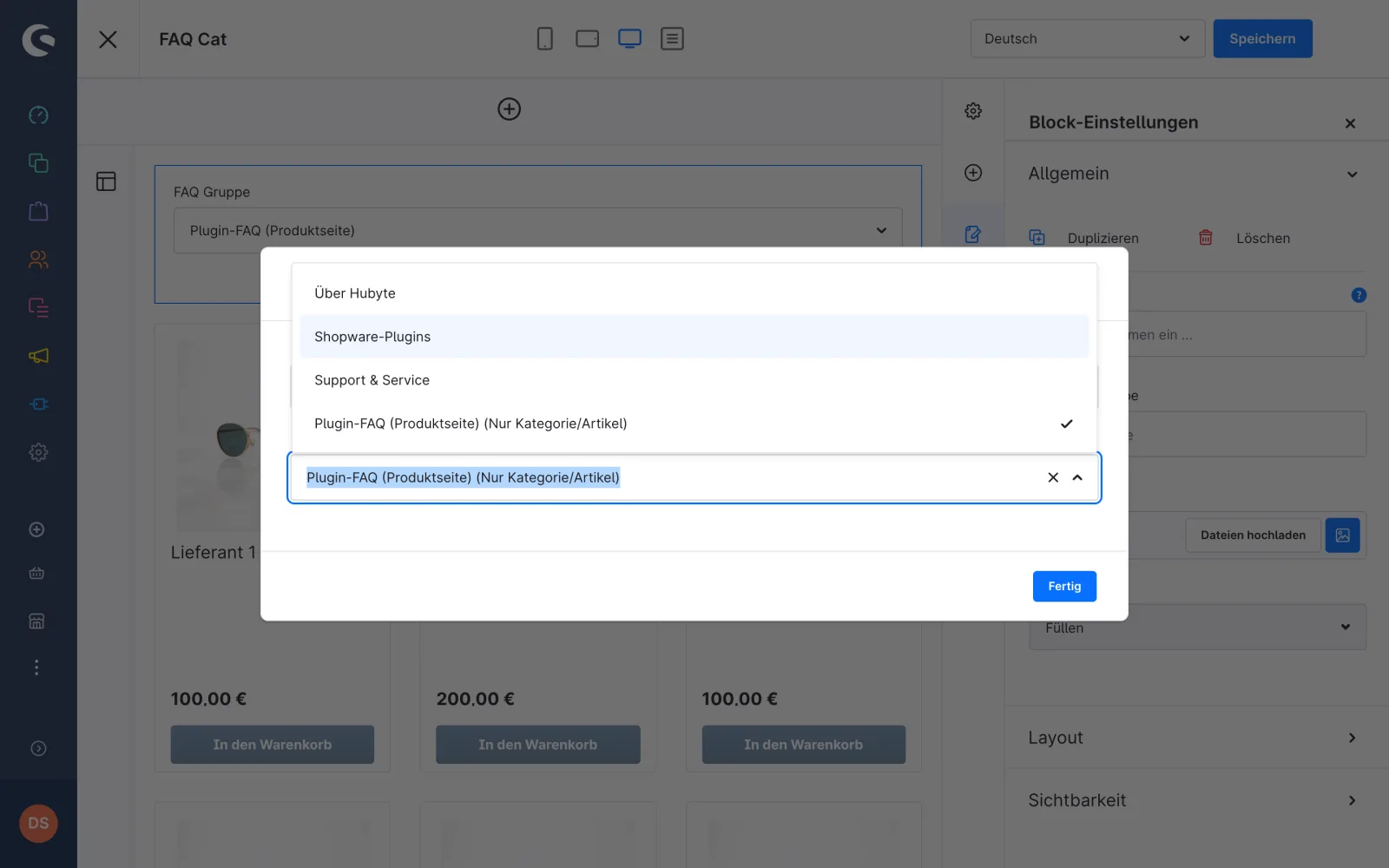
In the element settings you find the switch **Show only groups "Only for category/product"**. If it is active, the group selection only contains these groups. Regardless of the switch, such groups are labelled **(Only category/product)** in the selection.
Element settings with group selection and label
## Display in the storefront
* The questions are shown sorted by question position, expandable and collapsible, in the same layout as on the FAQ page (icons, two-column layout).
* For regular groups every question links to its own [question page](/faq-fuer-seo/english-documentation/faq-seite-seo.md).
* For groups with **Only for category/product** the questions are not linked, as there are no question pages for them.
* For all questions in the element **schema.org `FAQPage`** structured data is rendered on the page. With several FAQ elements on one page the questions are combined in one `FAQPage` block.
> **Note:** If the selected group contains no questions, the element stays empty in the storefront. The element shows the selected group regardless of the group's **Active** setting.